Which laptop specs actually matter for coding, the best brands at each budget, rough Tanzanian prices, the MacBook question, what to buy for your track, and a checklist for buying used at Kariakoo.
↓ Download all 10 slides (ZIP)↓ Download article (TXT)All slide images and the full article in one ZIP, ready to save and read offline.
You don’t need a MacBook to become a developer. You need the right specs for the work you want to do, at a price you can manage. Here’s what matters, the brands to look for at each level, and rough prices in Tanzania. Kuanzia bajeti mpaka kazi nzito.
Prices are a rough 2026 guide. They change with the dollar, the shop and the condition, so always compare a few sellers.
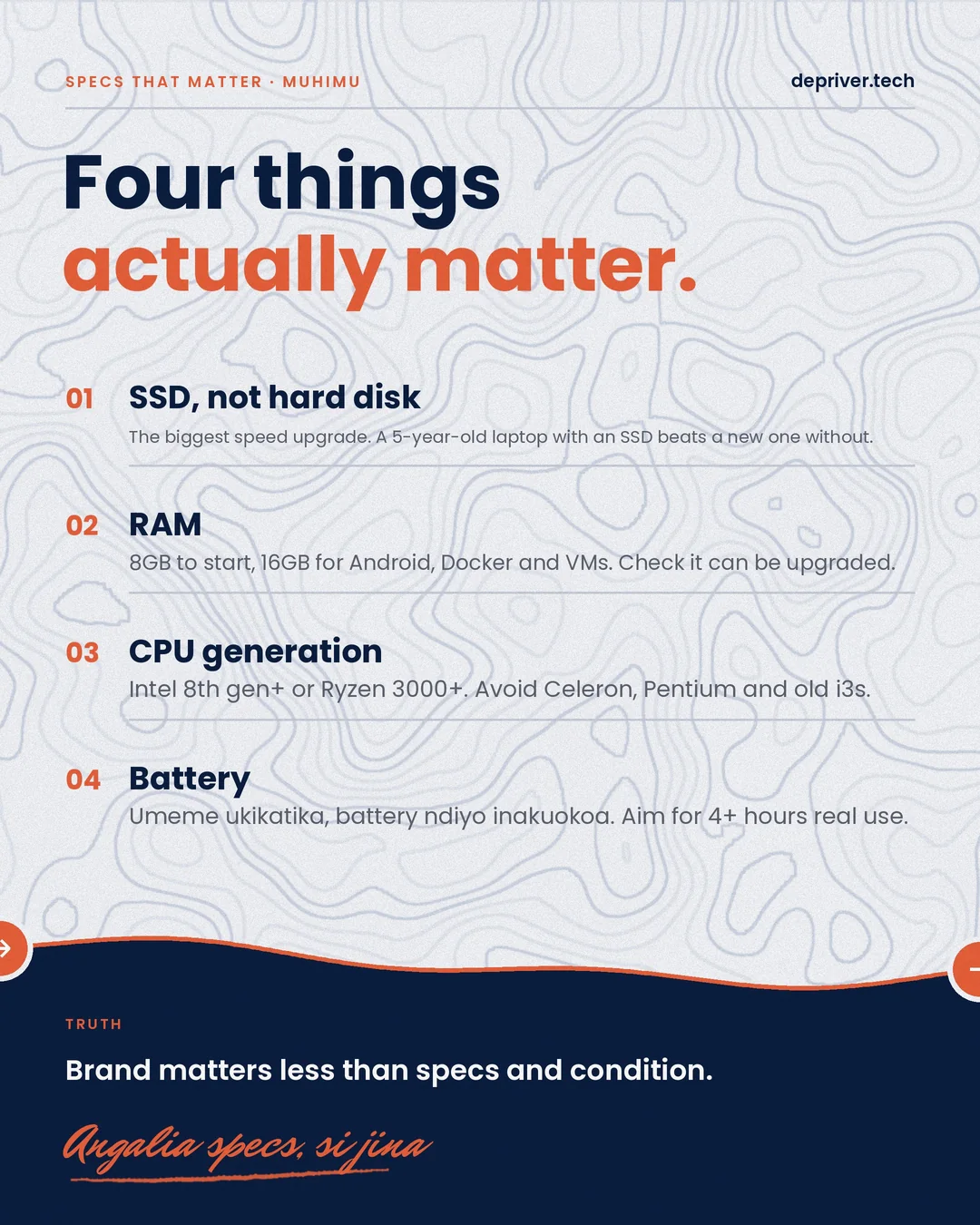
Four things that actually matter
- An SSD, not a hard disk. It’s the biggest speed upgrade: an older laptop with an SSD beats a new one without.
- RAM. 8GB to start, 16GB for Android, Docker and virtual machines. Check that it can be upgraded.
- CPU generation. Intel 8th gen or newer, or AMD Ryzen 3000 or newer. Avoid Celeron, Pentium and old i3s.
- Battery. Umeme ukikatika, battery ndiyo inakuokoa. Aim for 4+ hours of real use.
The brand matters less than the specs and the condition.
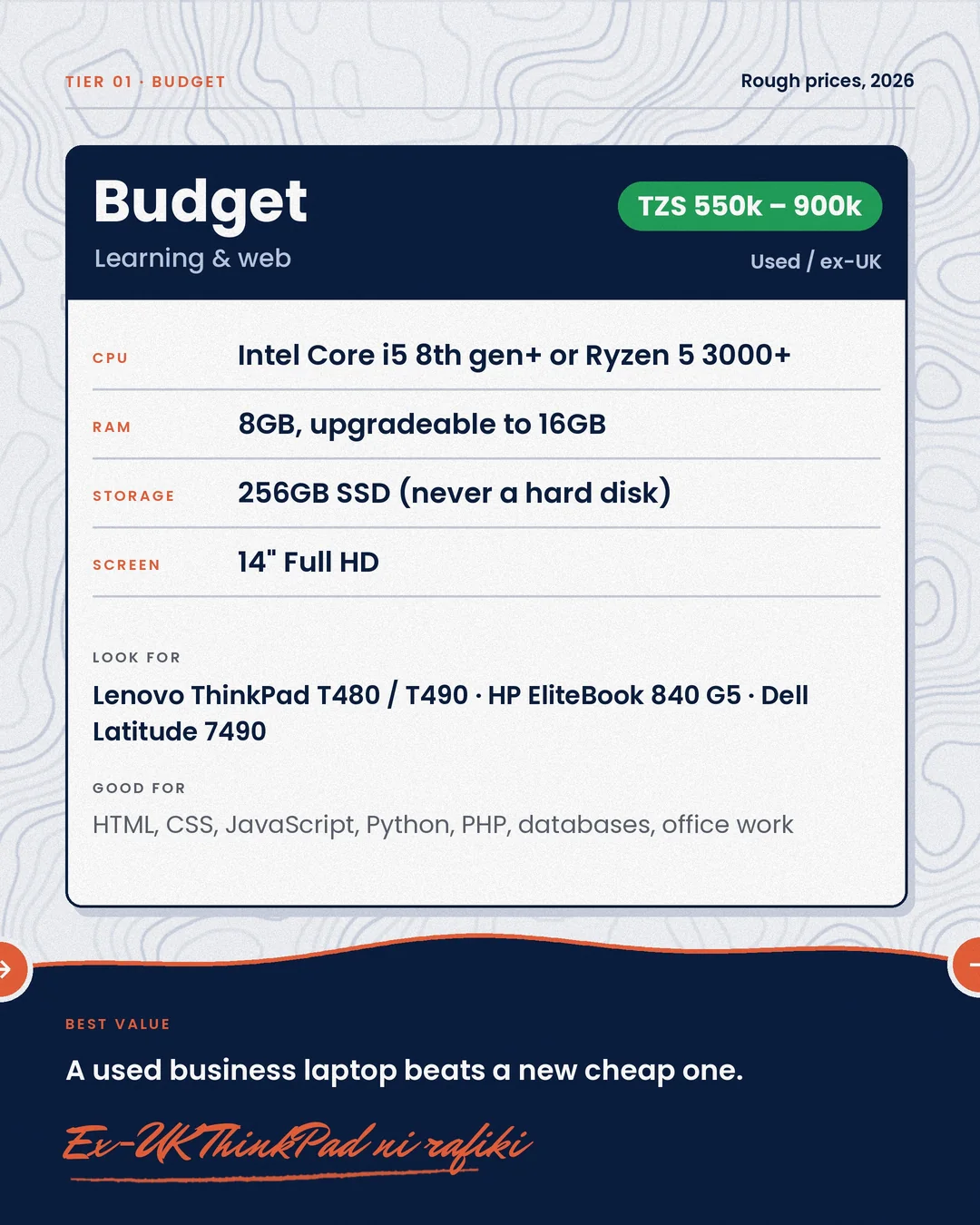
Tier 1: Budget, for learning and web (≈ TZS 550k – 900k, used / ex-UK)
|
|
| CPU |
Intel Core i5 8th gen+ or Ryzen 5 3000+ |
| RAM |
8GB, upgradeable to 16GB |
| Storage |
256GB SSD |
| Screen |
14” Full HD |
Look for: Lenovo ThinkPad T480 / T490, HP EliteBook 840 G5, Dell Latitude 7490.
Good for: HTML, CSS, JavaScript, Python, PHP, databases and office work. A used business laptop beats a new cheap one.
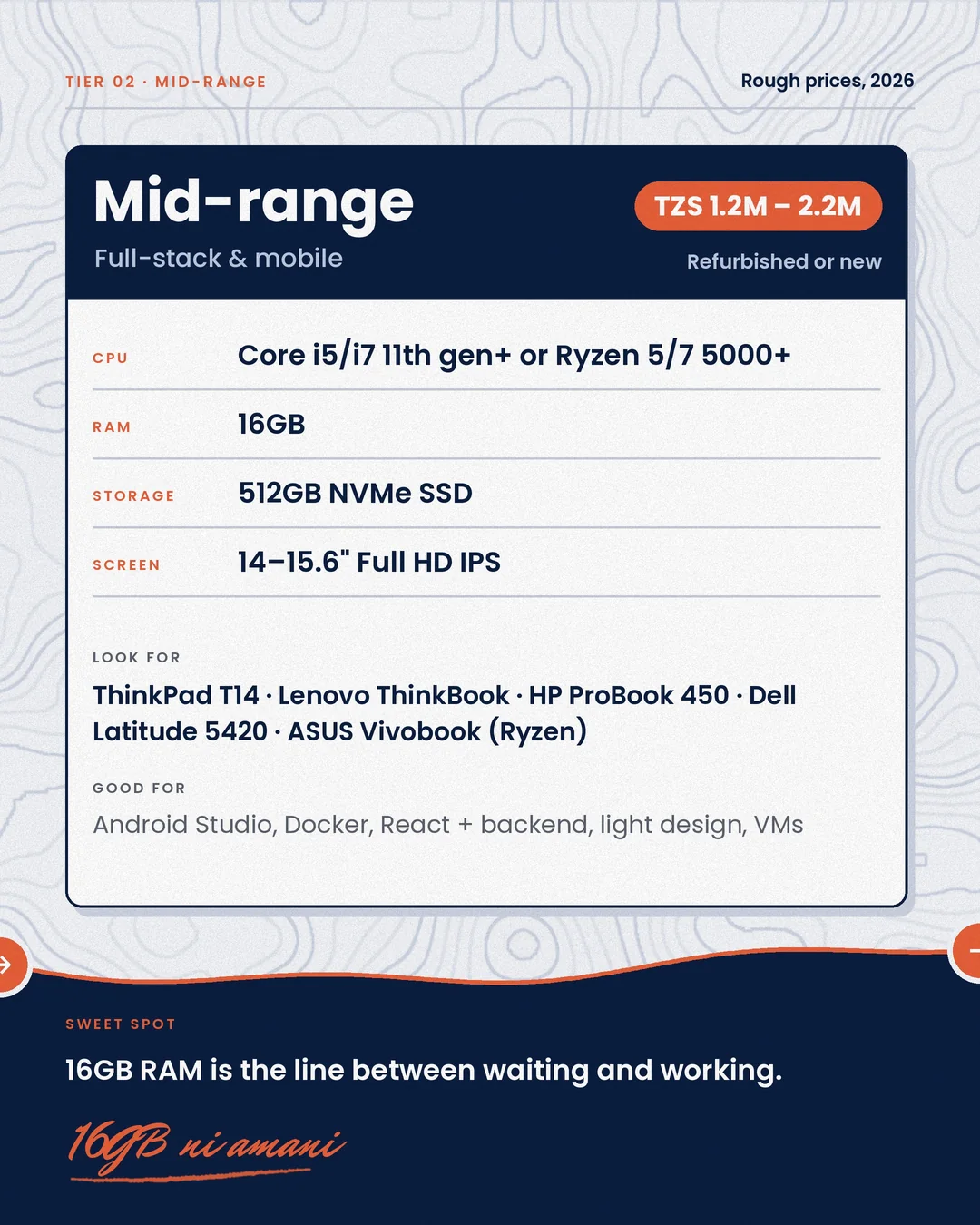
Tier 2: Mid-range, for full-stack and mobile (≈ TZS 1.2M – 2.2M, refurbished or new)
|
|
| CPU |
Core i5/i7 11th gen+ or Ryzen 5/7 5000+ |
| RAM |
16GB |
| Storage |
512GB NVMe SSD |
| Screen |
14–15.6” Full HD IPS |
Look for: Lenovo ThinkPad T14, Lenovo ThinkBook, HP ProBook 450, Dell Latitude 5420, ASUS Vivobook (Ryzen).
Good for: Android Studio, Docker, React with a backend, light design work and VMs. 16GB ni amani.
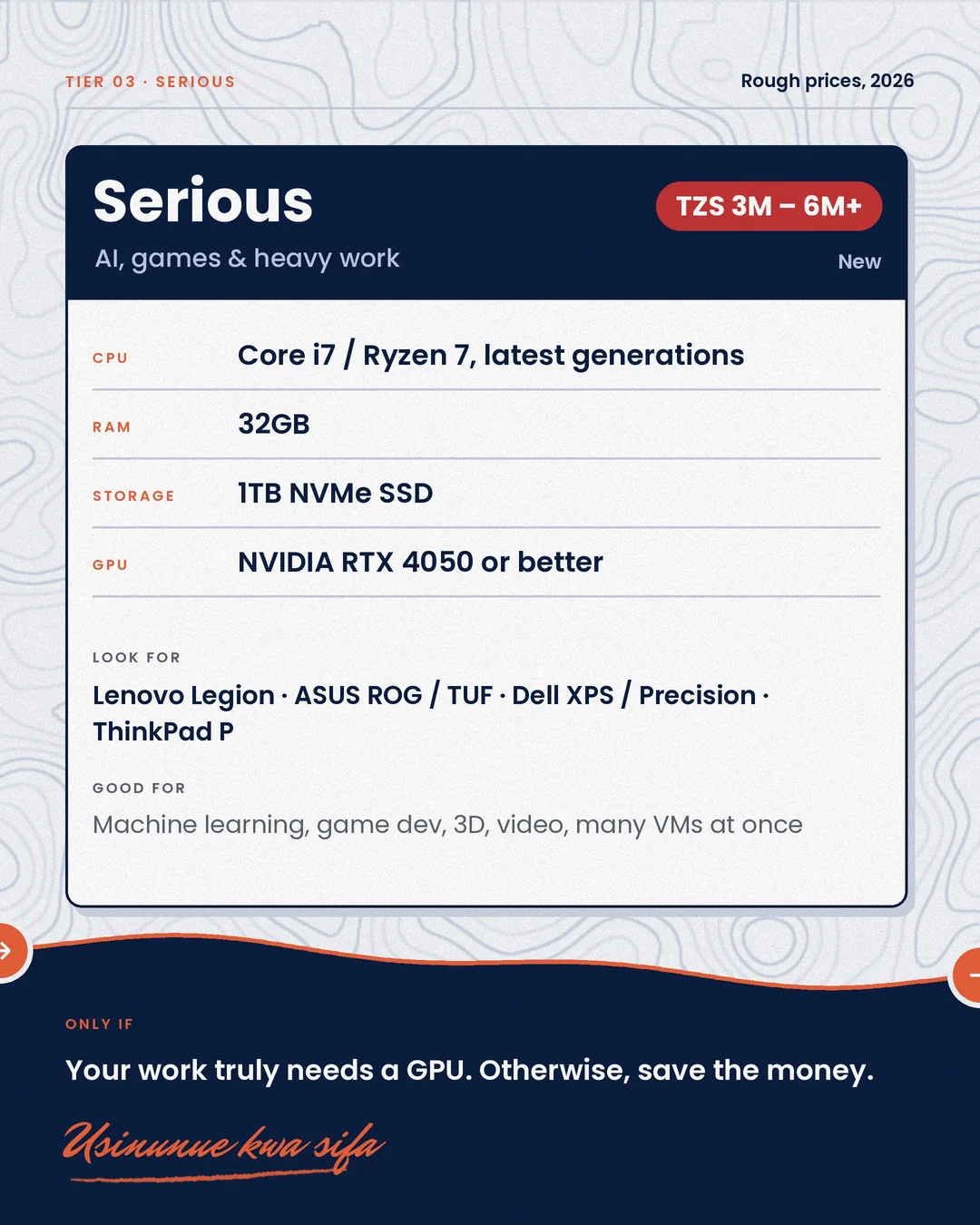
Tier 3: Serious, for AI, games and heavy work (≈ TZS 3M – 6M+, new)
|
|
| CPU |
Core i7 / Ryzen 7, latest generations |
| RAM |
32GB |
| Storage |
1TB NVMe SSD |
| GPU |
NVIDIA RTX 4050 or better |
Look for: Lenovo Legion, ASUS ROG / TUF, Dell XPS / Precision, ThinkPad P series.
Good for: machine learning, game development, 3D, video and many VMs at once. Only buy this if your work truly needs a GPU.
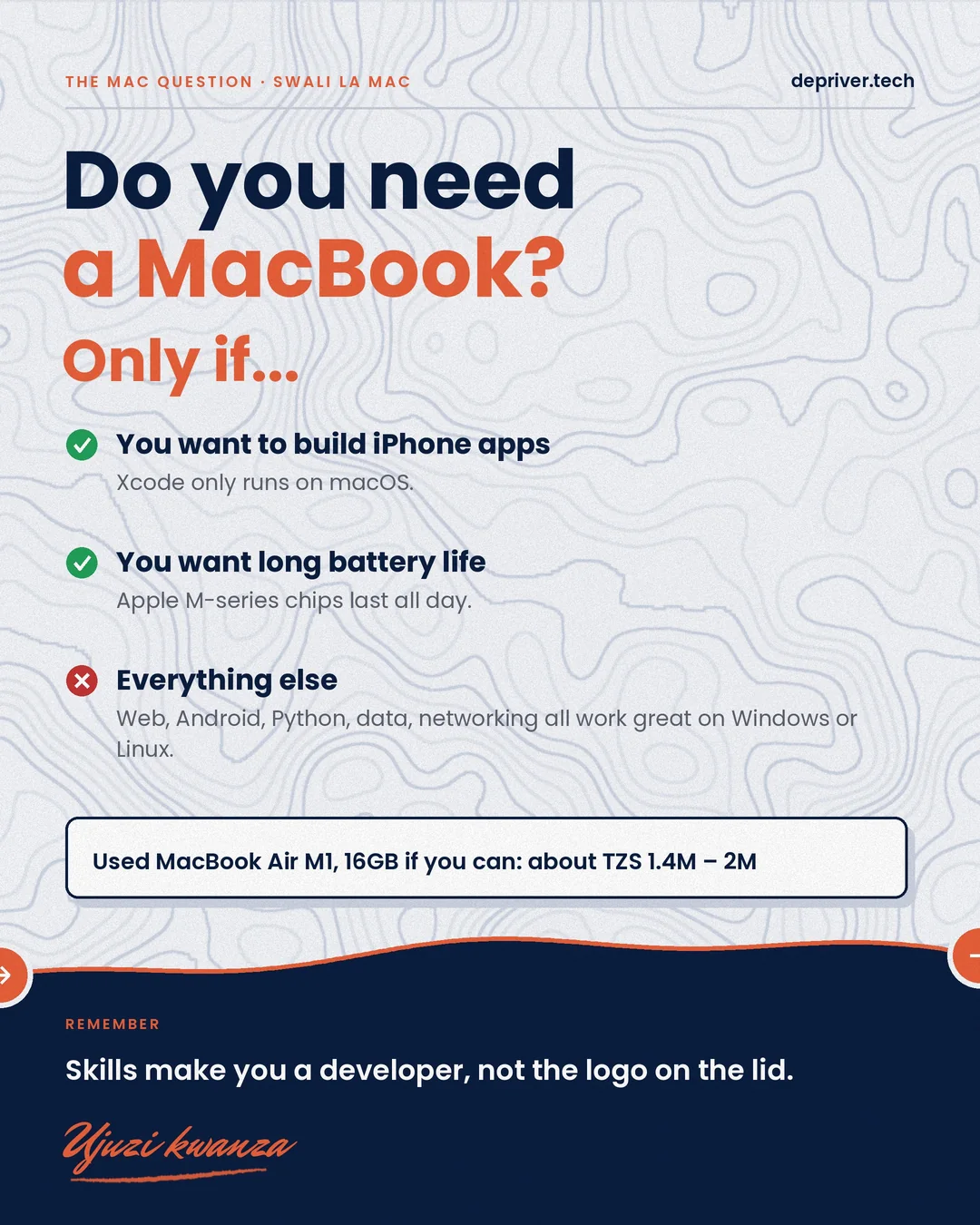
Do you need a MacBook?
Only if you want to build iPhone apps (Xcode only runs on macOS) or you want all-day battery from Apple’s M-series chips. Web, Android, Python, data and networking all work great on Windows or Linux. A used MacBook Air M1 (16GB if you can) costs roughly TZS 1.4M – 2M.
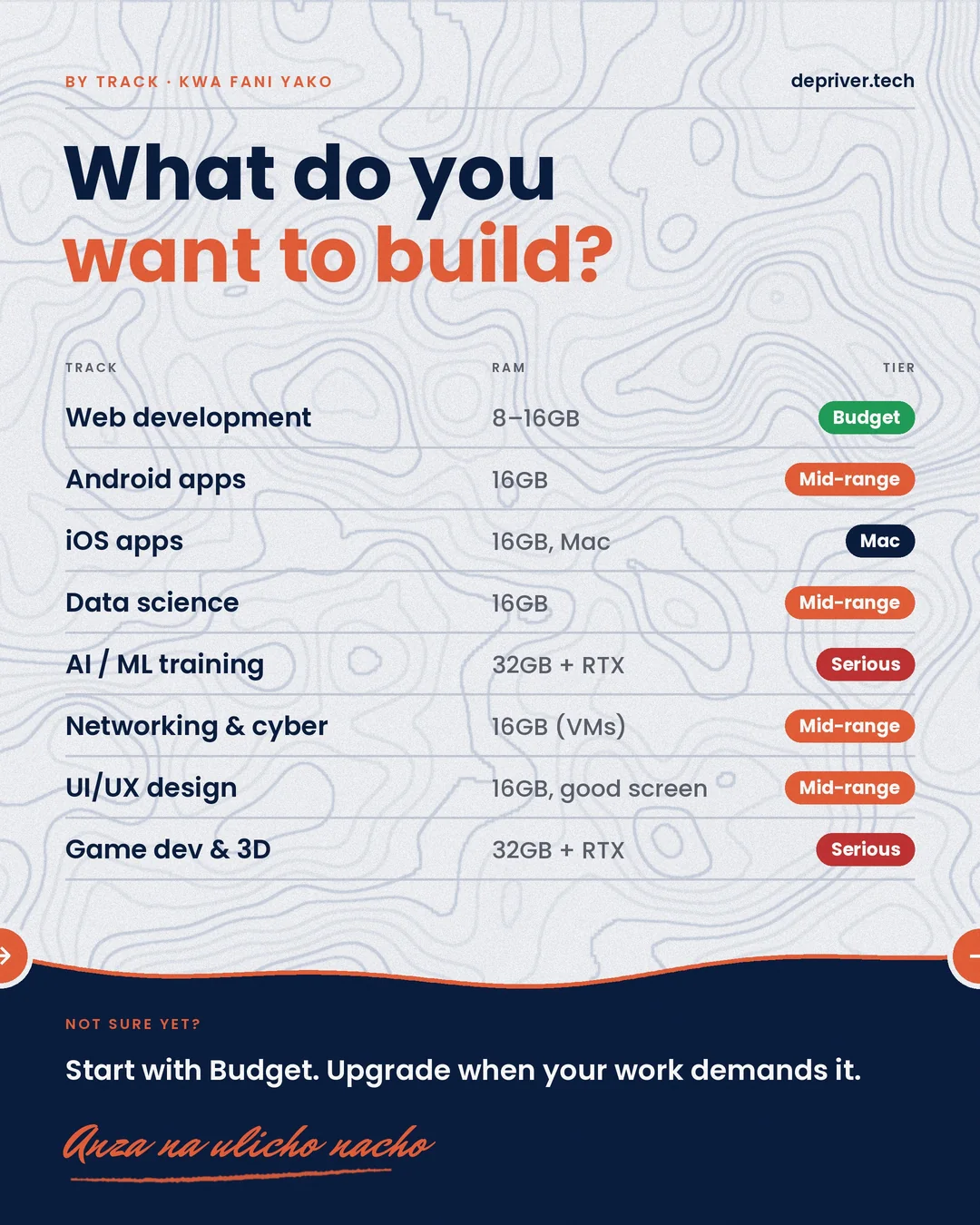
By track
| Track |
RAM |
Tier |
| Web development |
8–16GB |
Budget |
| Android apps |
16GB |
Mid-range |
| iOS apps |
16GB, Mac |
Mac |
| Data science |
16GB |
Mid-range |
| AI / ML training |
32GB + RTX |
Serious |
| Networking & cyber security |
16GB (for VMs) |
Mid-range |
| UI/UX design |
16GB, good screen |
Mid-range |
| Game dev & 3D |
32GB + RTX |
Serious |
Not sure yet? Start with Budget and upgrade when your work demands it.
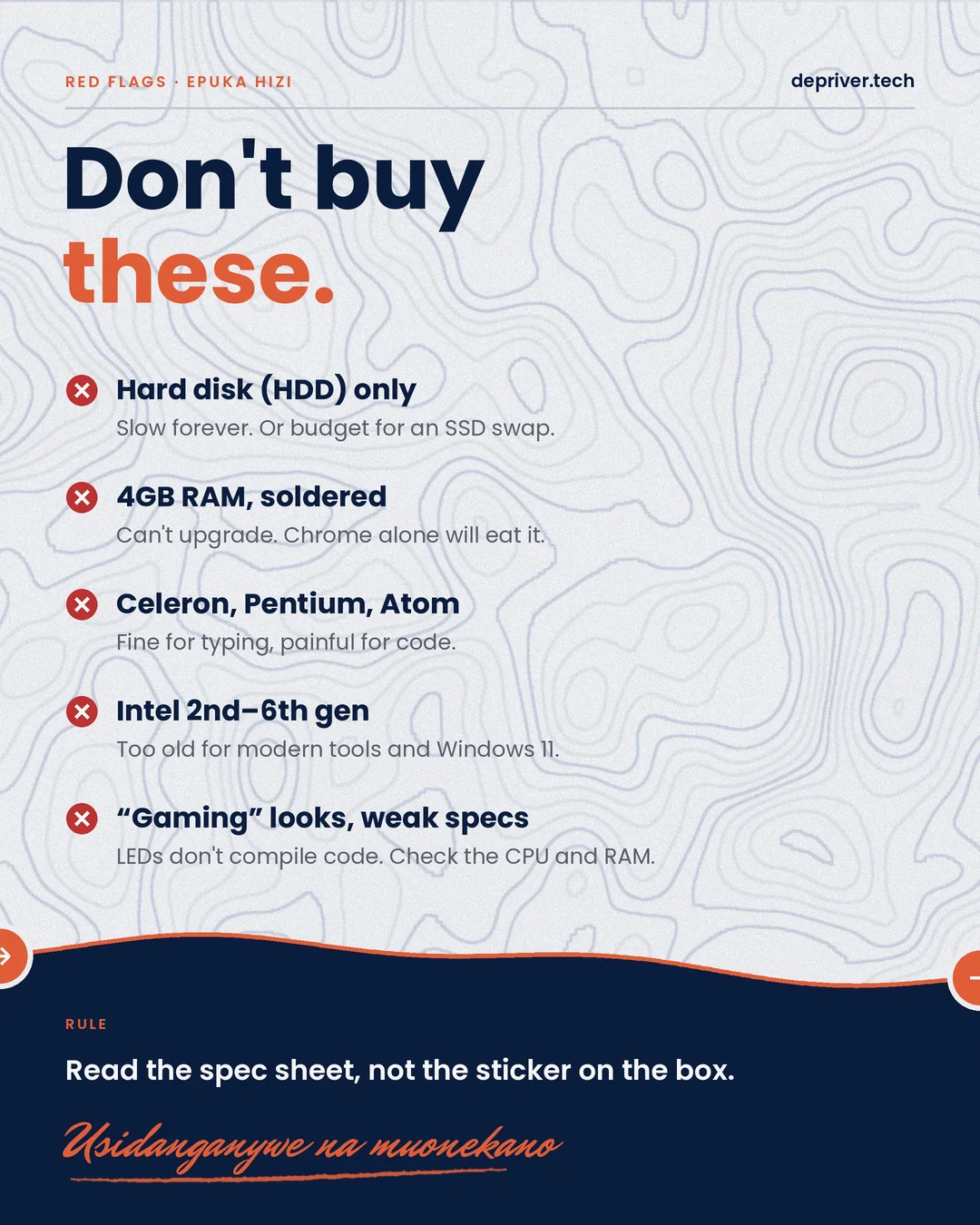
Don’t buy these
- Hard disk (HDD) only. Slow forever, unless you budget for an SSD swap.
- 4GB of soldered RAM. You can’t upgrade it.
- Celeron, Pentium or Atom. Fine for typing, painful for code.
- Intel 2nd to 6th gen. Too old for modern tools and Windows 11.
- “Gaming” looks with weak specs. LEDs don’t compile code.
Buying used: the Kariakoo checklist
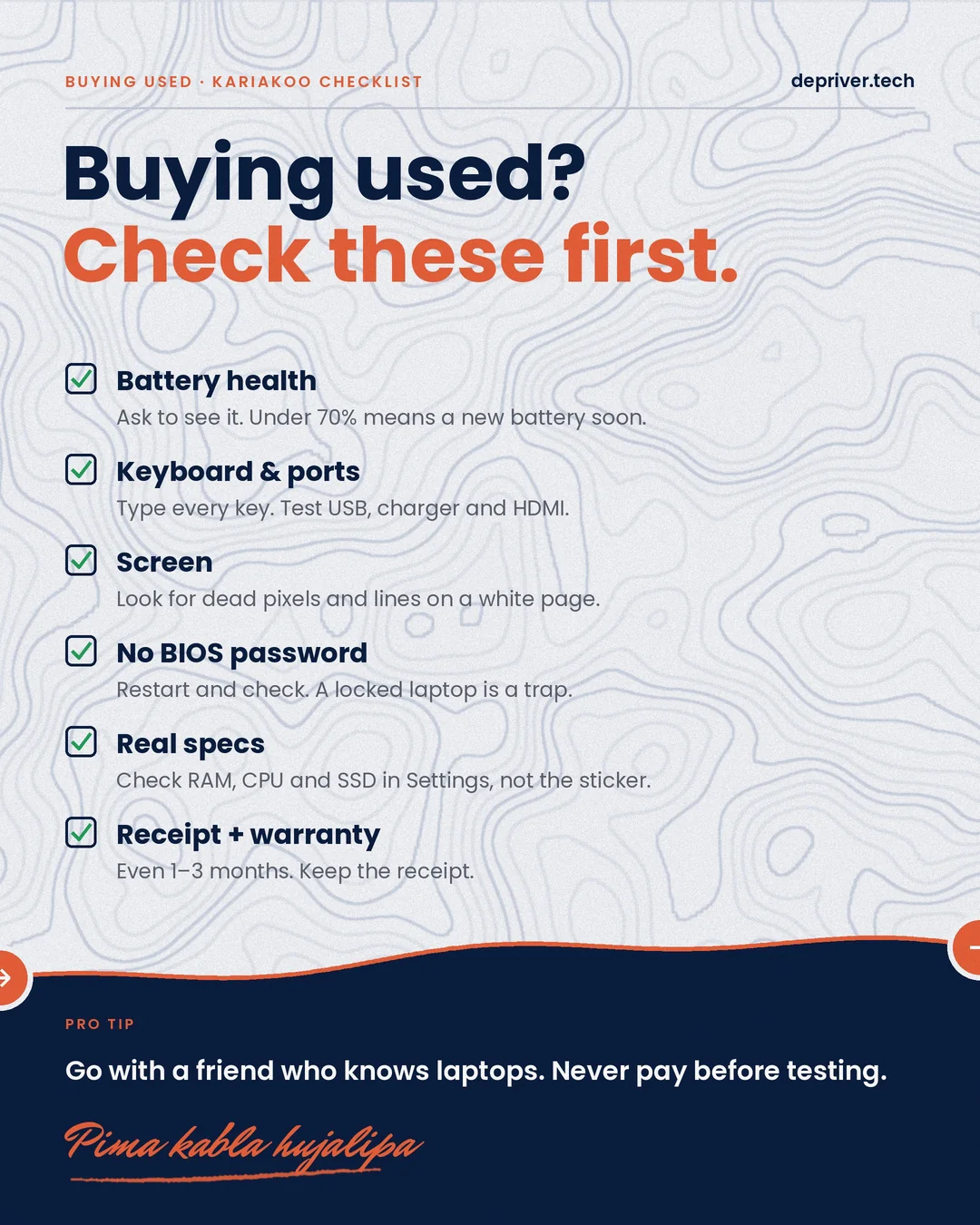
- Battery health: ask to see it. Under 70% means you’ll need a new battery soon.
- Keyboard and ports: type every key, and test USB, the charger and HDMI.
- Screen: look for dead pixels and lines on a white page.
- No BIOS password: restart and check. A locked laptop is a trap.
- Real specs: check the RAM, CPU and SSD in Settings, not on the sticker.
- Receipt and warranty: even 1–3 months, and keep the receipt.
Go with a friend who knows laptops, and never pay before testing. Pima kabla hujalipa.
What laptop are you coding on? Niambie kwenye comments, with its specs.