“Nimekosea kutuma pesa”, WhatsApp code theft, fake jobs, free-bundle links and SIM swap: how to spot them, protect your accounts and report scams to TCRA on 15040.
↓ Download all 9 slides (ZIP)↓ Download article (TXT)All slide images and the full article in one ZIP, ready to save and read offline.
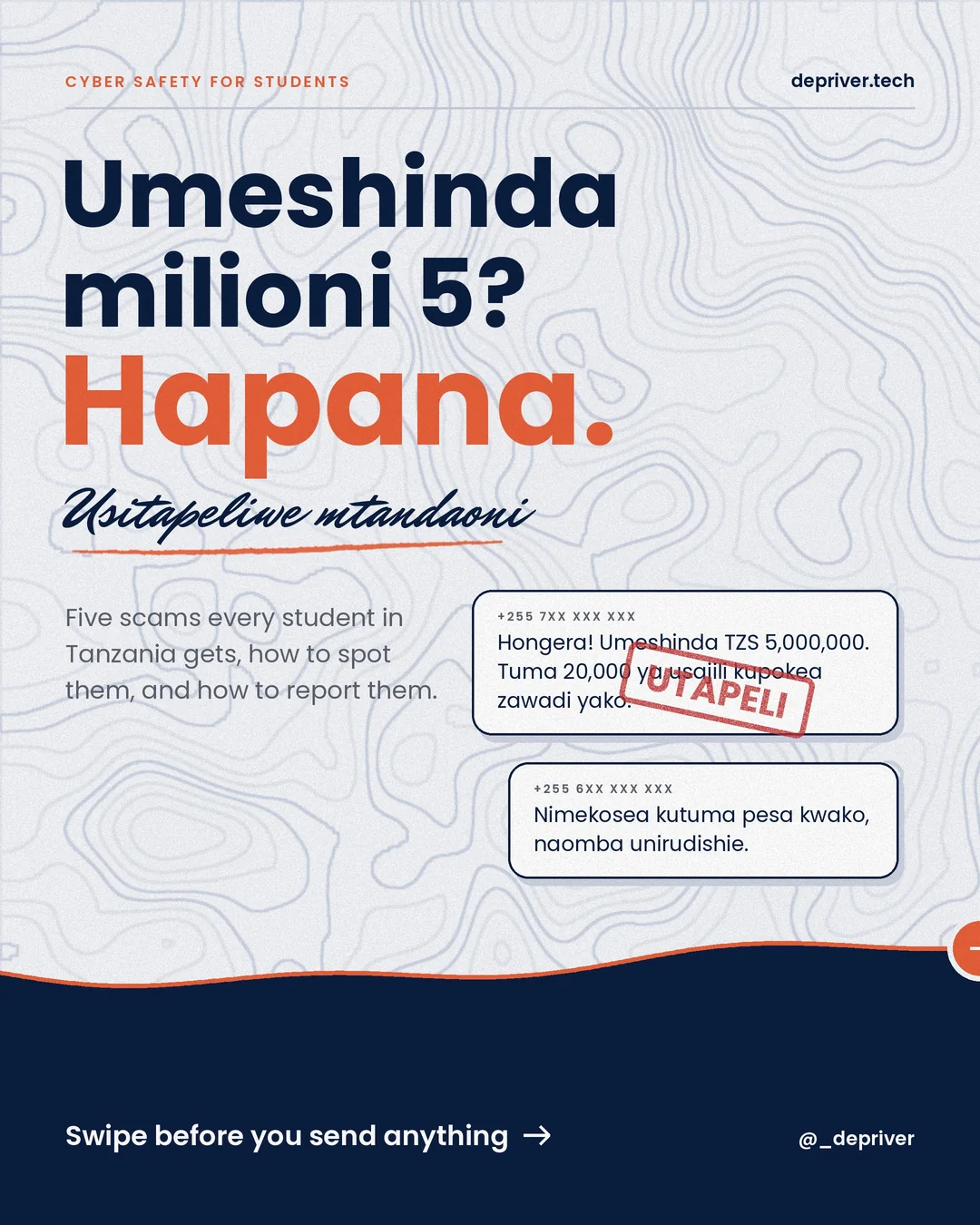
If you have a phone number in Tanzania, you’ve received at least one of these. Scammers don’t need to be hackers. They only need you to act fast without thinking. Here are five scams every student gets, how to spot them, and what to do. Usitapeliwe mtandaoni.
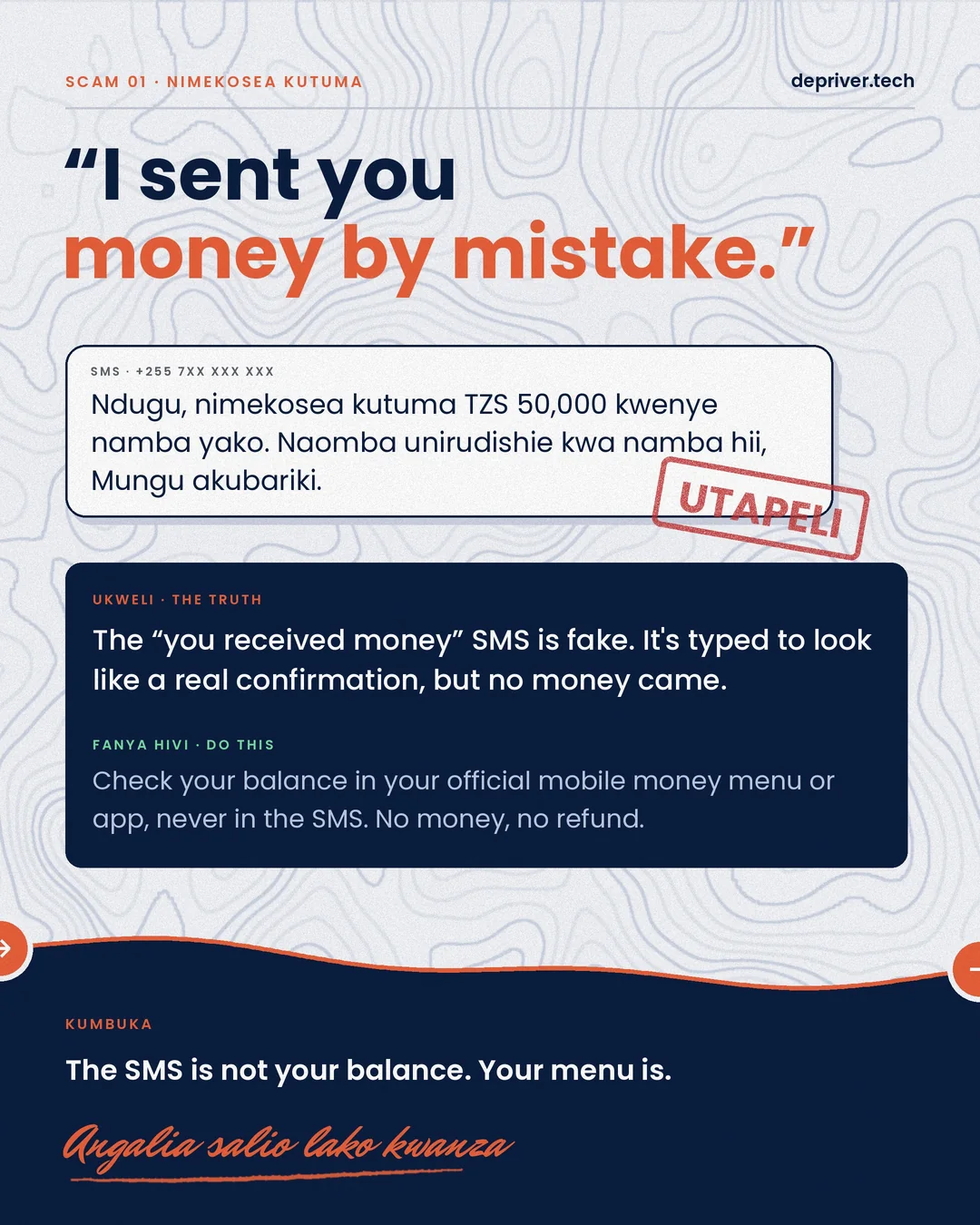
Scam 1: “Nimekosea kutuma pesa”
“Ndugu, nimekosea kutuma TZS 50,000 kwenye namba yako. Naomba unirudishie kwa namba hii.”
The “you received money” SMS is fake. It’s typed to look like a real confirmation, but no money came. Check your balance in your official mobile money menu or app, never in the SMS. No money, no refund.
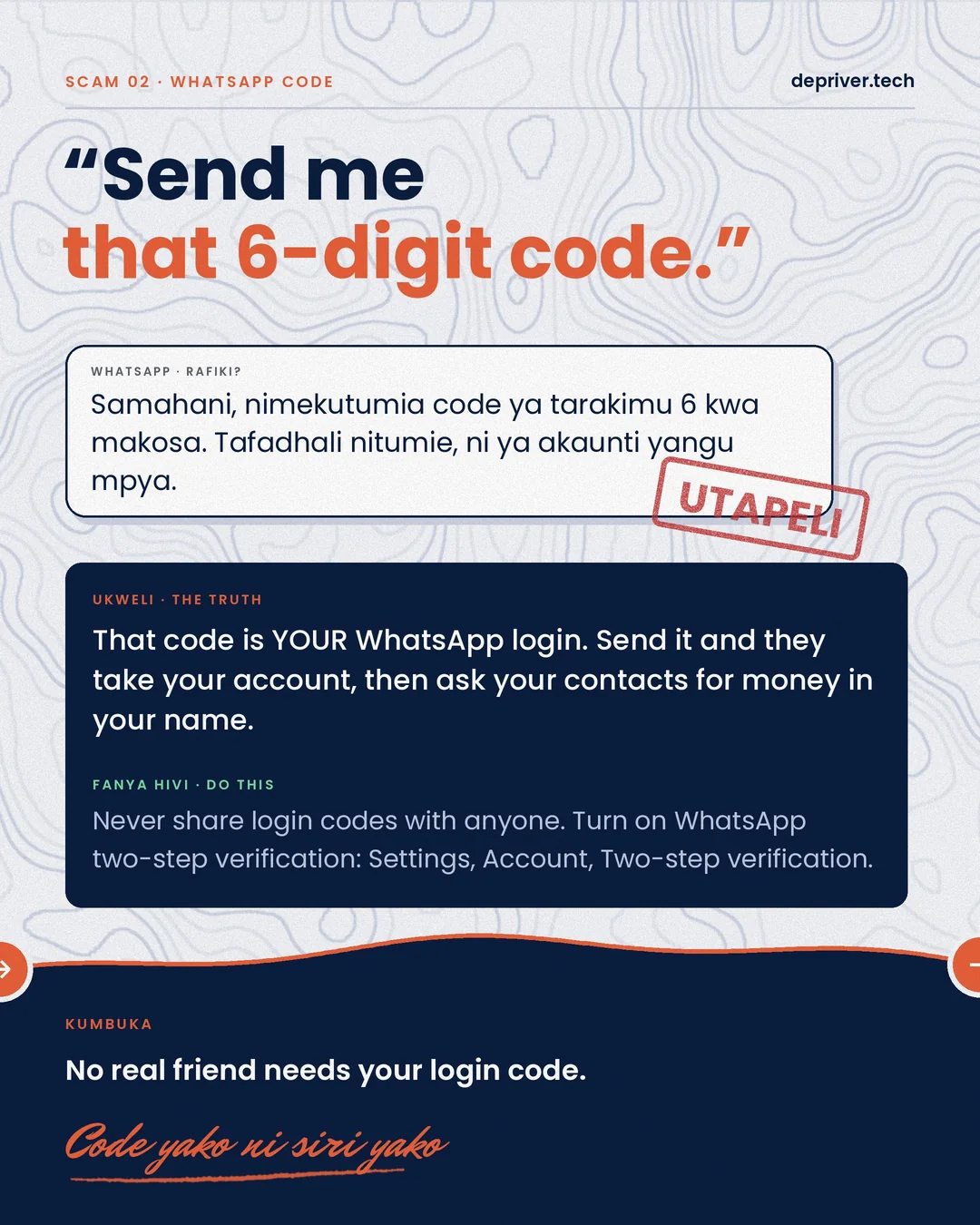
Scam 2: “Nitumie ile code ya tarakimu 6”
That code is your WhatsApp login. Send it and they take over your account, then message your contacts asking for money in your name. Never share login codes with anyone, and turn on WhatsApp two-step verification: Settings → Account → Two-step verification.
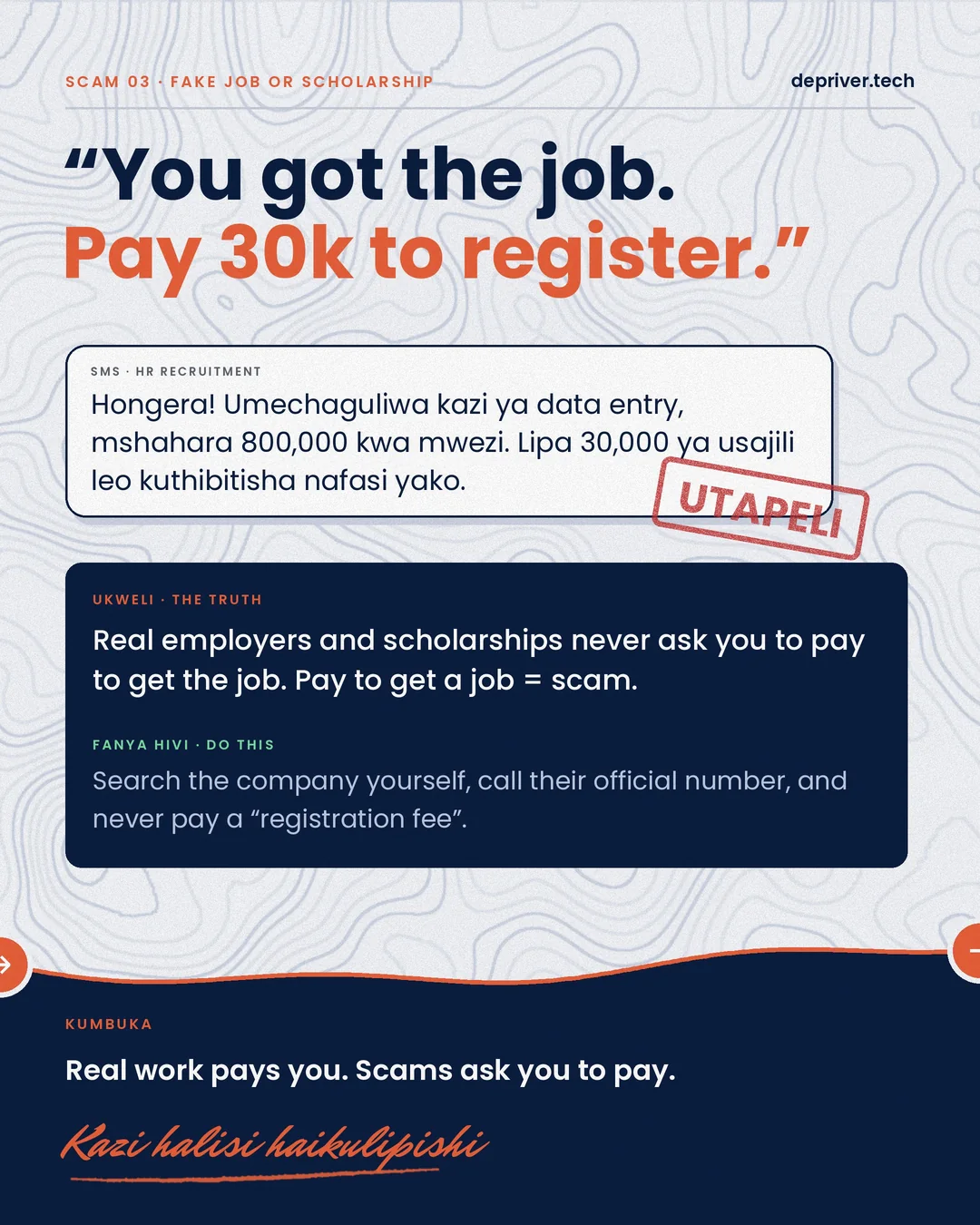
Scam 3: The fake job or scholarship
“Hongera! Umechaguliwa kazi, mshahara 800,000. Lipa 30,000 ya usajili leo.”
Real employers and scholarships never ask you to pay to get the job. Search the company yourself, call their official number, and never pay a “registration fee”.
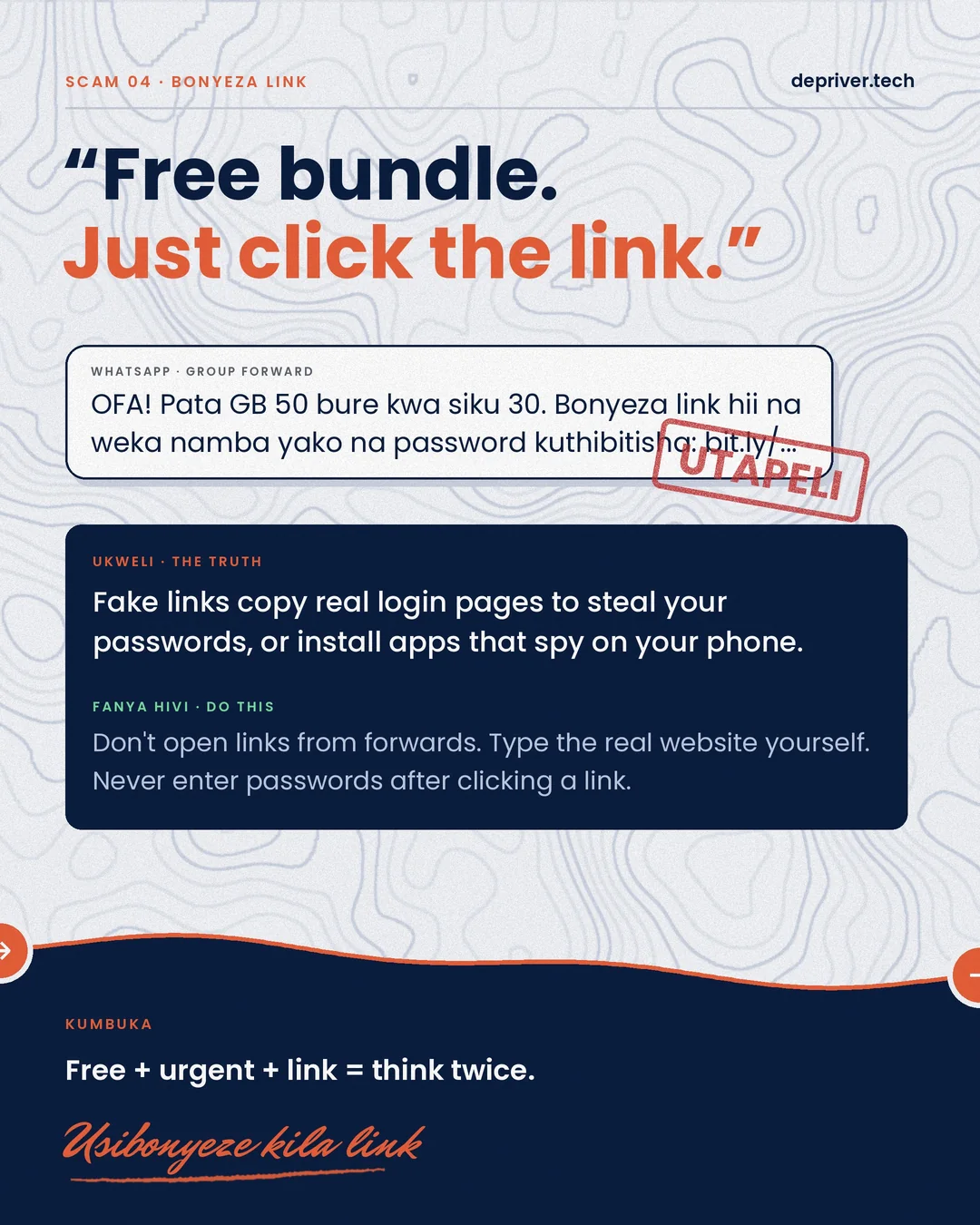
Scam 4: “Bonyeza link upate bundle bure”
Fake links copy real login pages to steal your passwords, or install apps that spy on your phone. Don’t open links from forwards. Type the real website yourself, and never enter a password after clicking a link from a message.
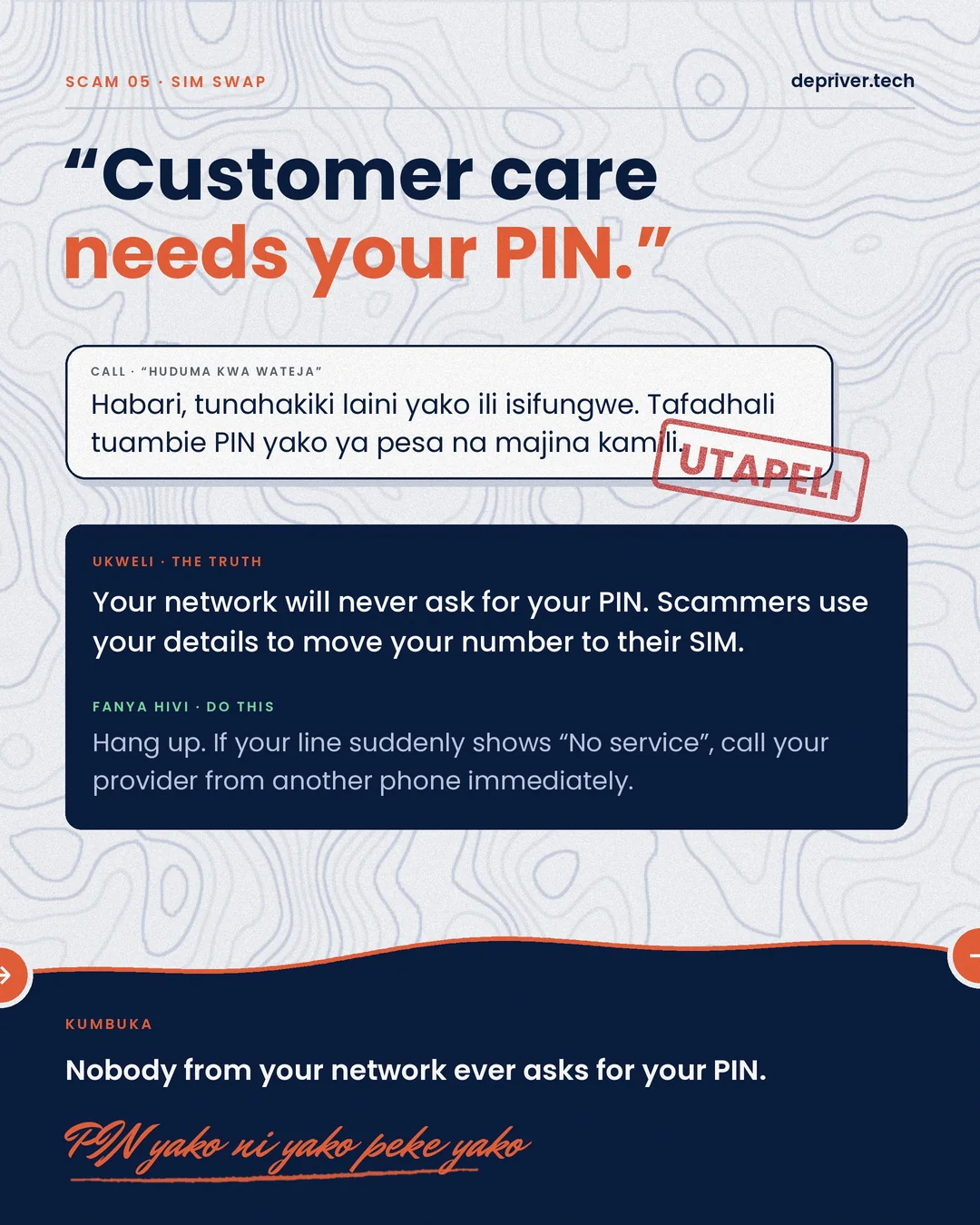
Scam 5: SIM swap (“huduma kwa wateja”)
Your network will never ask for your PIN. Scammers use your details to move your number to their SIM, and then your money and accounts follow. Hang up. If your line suddenly shows “No service”, call your provider from another phone immediately.
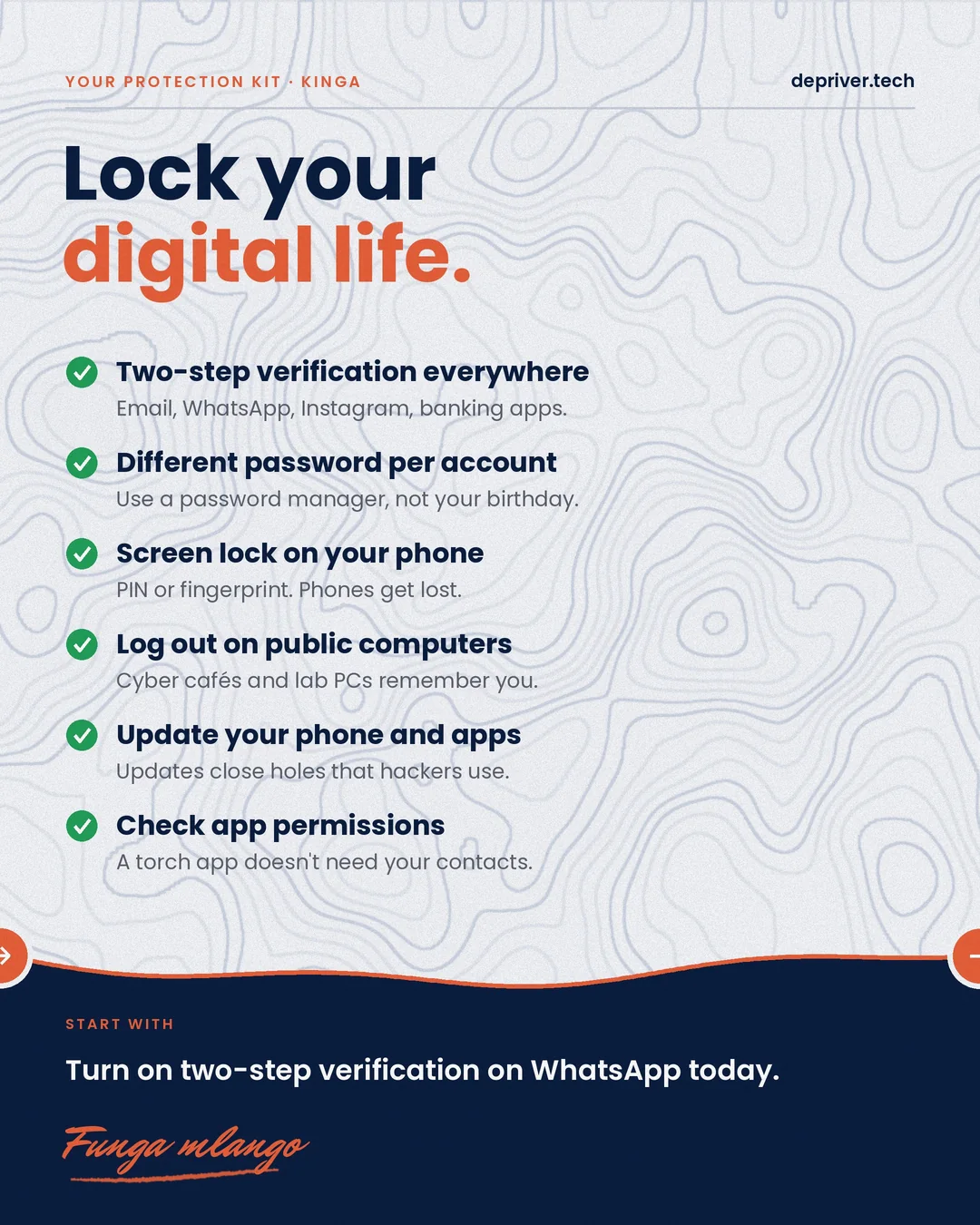
Your protection kit
- Two-step verification everywhere: email, WhatsApp, Instagram, banking apps
- A different password for each account, kept in a password manager, not your birthday
- A screen lock on your phone (PIN or fingerprint)
- Log out on public computers: cyber cafés and lab PCs remember you
- Update your phone and apps, because updates close the holes hackers use
- Check app permissions. A torch app doesn’t need your contacts.
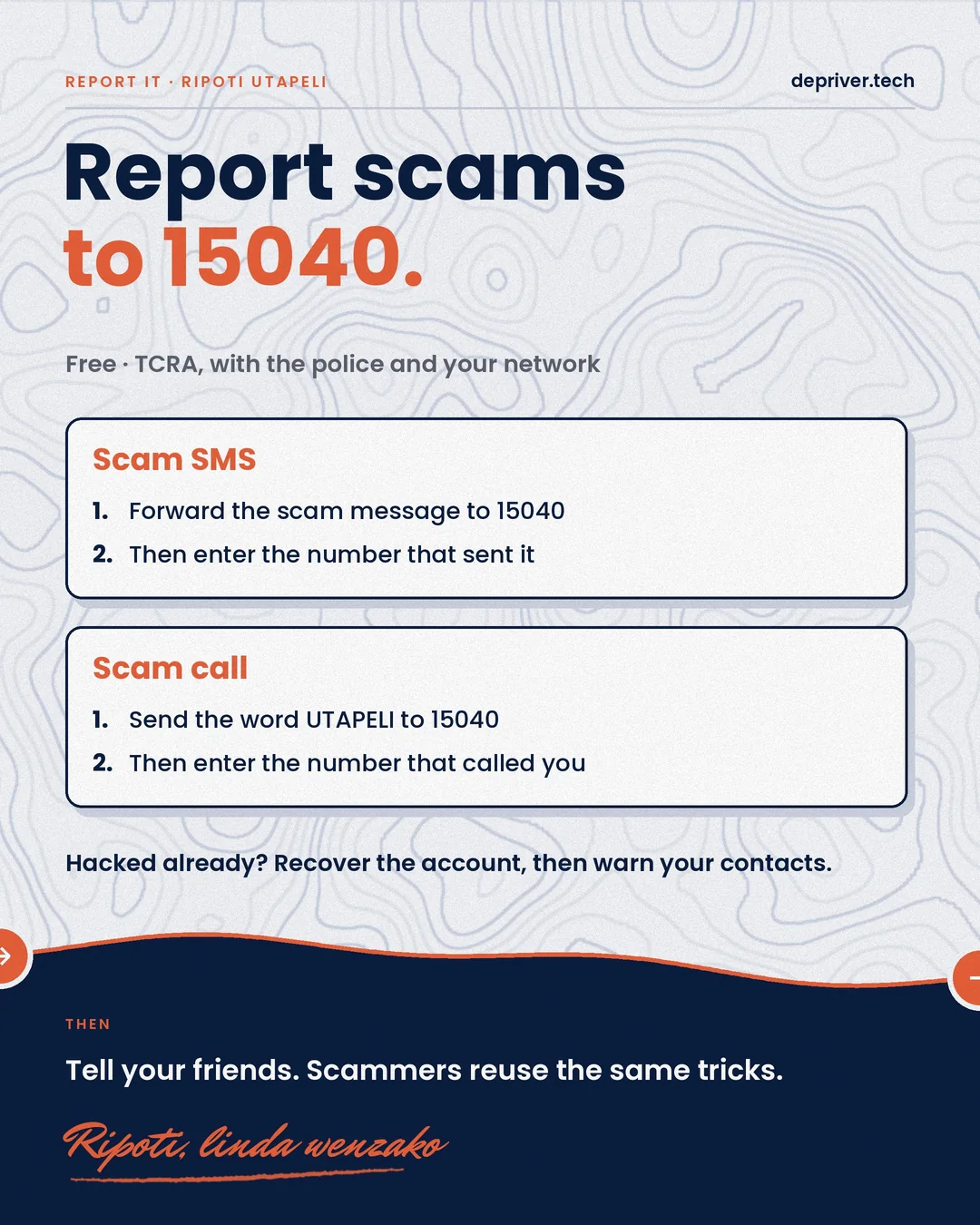
Report it to 15040
TCRA’s fraud reporting number is free, and reports are handled together with the police and your network:
- Scam SMS: forward the message to 15040, then enter the number that sent it.
- Scam call: send the word UTAPELI to 15040, then enter the number that called you.
Already hacked? Recover the account first, then warn your contacts.
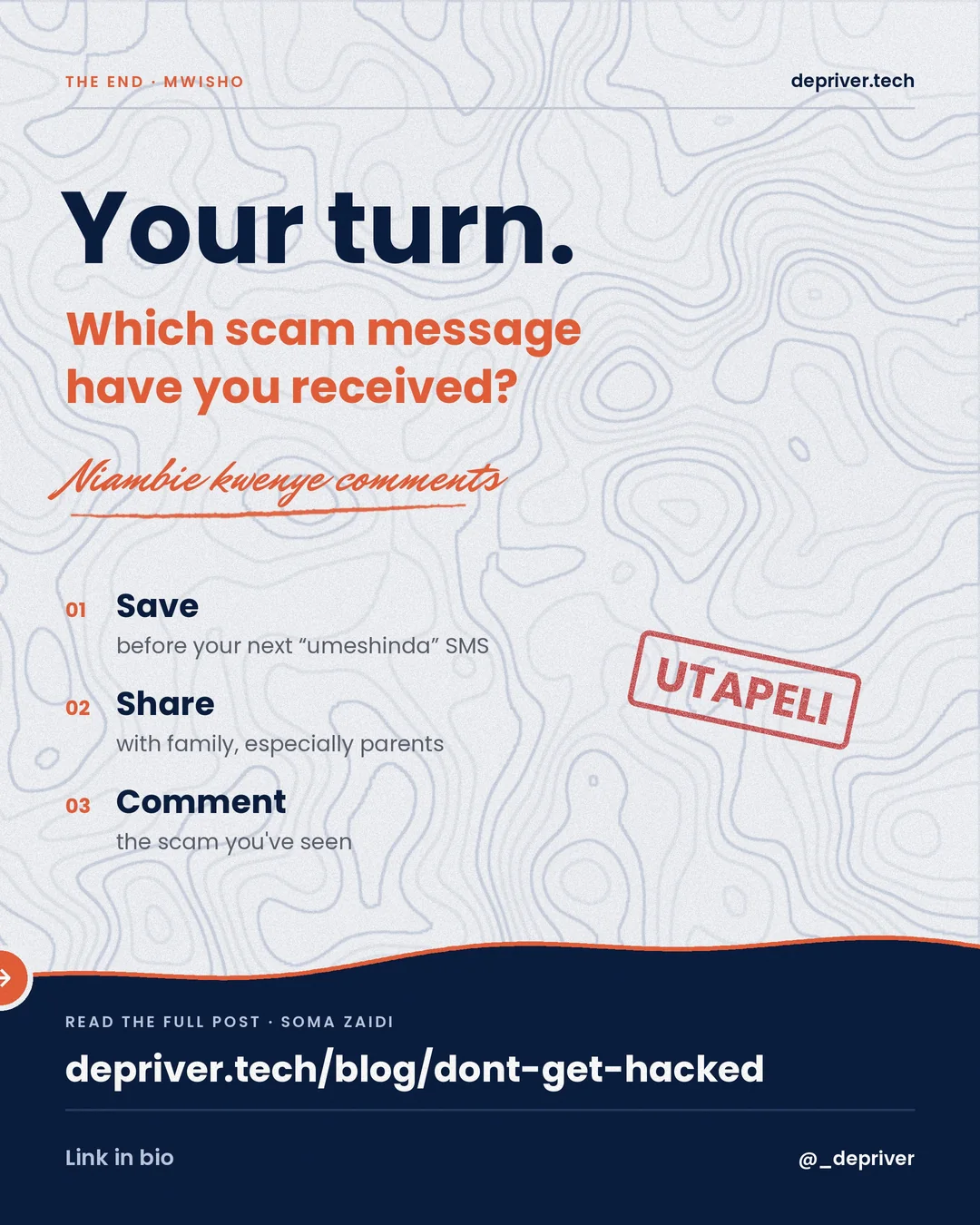
Which scam message have you received? Niambie kwenye comments, and share this with your family, especially parents.
 9 slides
 8 slides
 8 slides