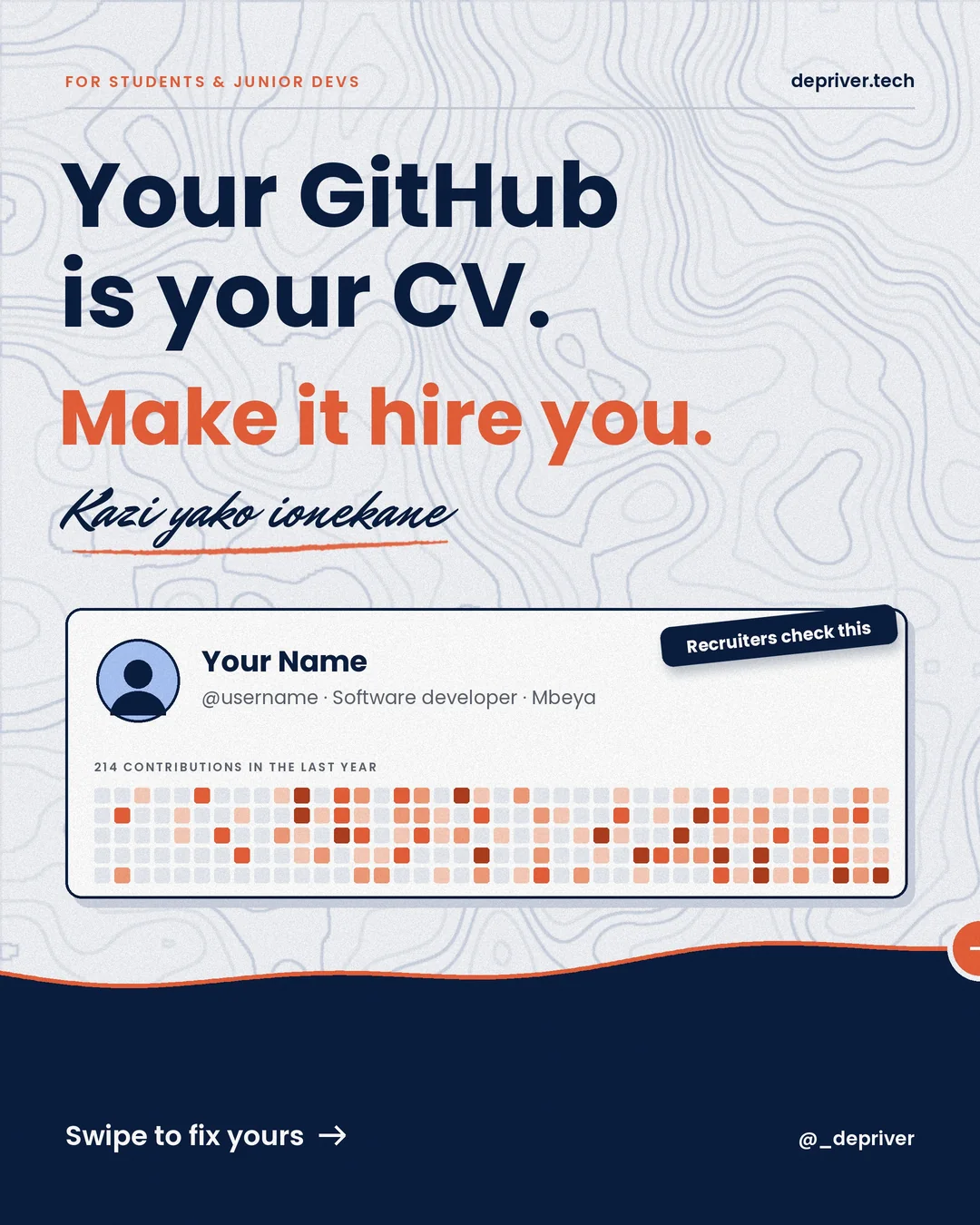
Recruiters and senior developers scan your GitHub in about 30 seconds. Fix your profile, write a README, pin real projects, document them, commit like a pro and avoid the mistakes that get you rejected.
↓ Download all 9 slides (ZIP)↓ Download article (TXT)All slide images and the full article in one ZIP, ready to save and read offline.
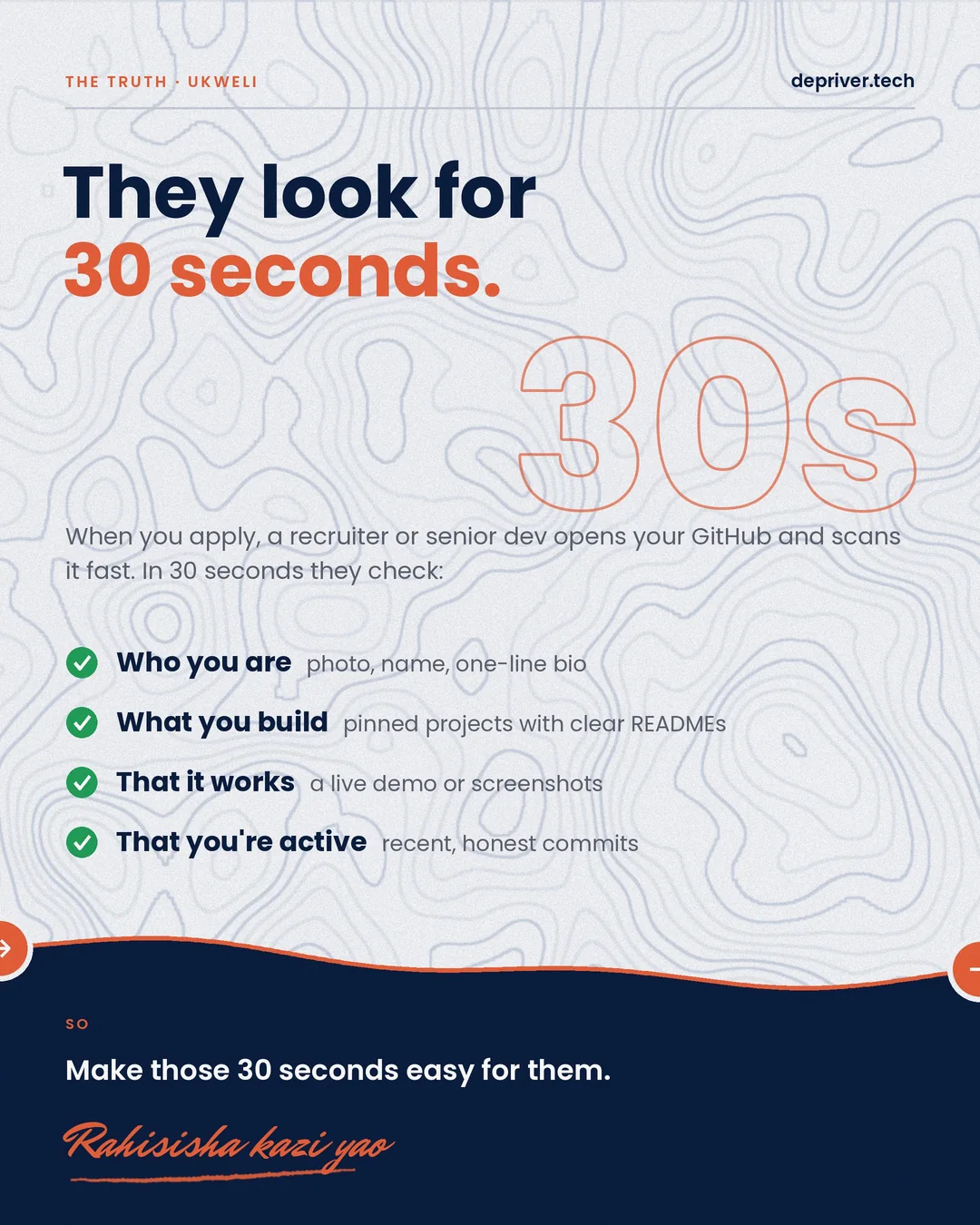
When you apply for a job, an internship or even FPT, someone will open your GitHub. A recruiter or senior developer usually gives it about 30 seconds. In that time they want to see who you are, what you build, that it actually works, and that you’re still active. Make those 30 seconds easy for them. Kazi yako ionekane.
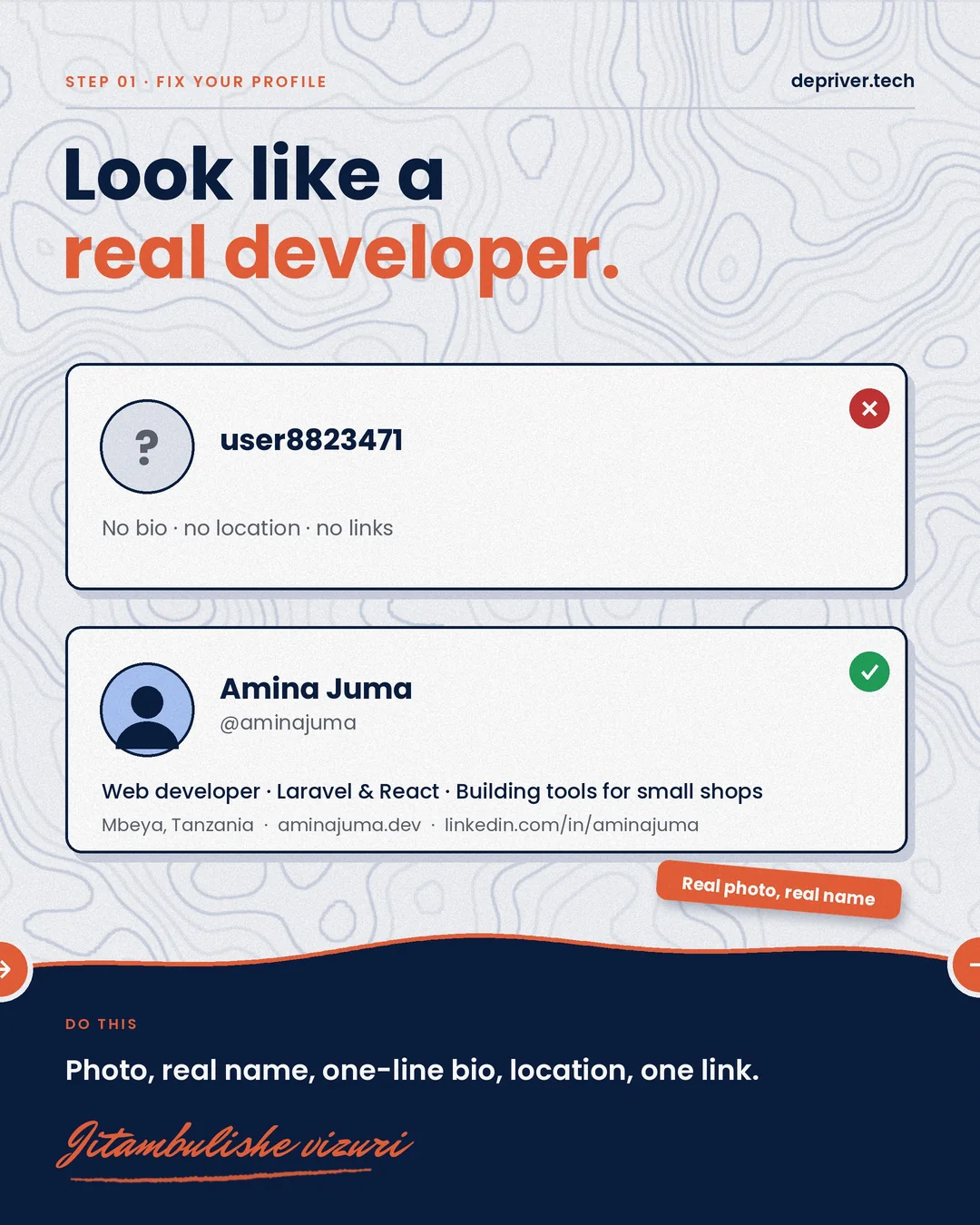
Step 1: Fix your profile
Use a real photo, your real name and a one-line bio (“Web developer · Laravel & React · building tools for small shops”), plus your location and one link: a portfolio or LinkedIn. user8823471 with no photo and no bio looks like an abandoned account.
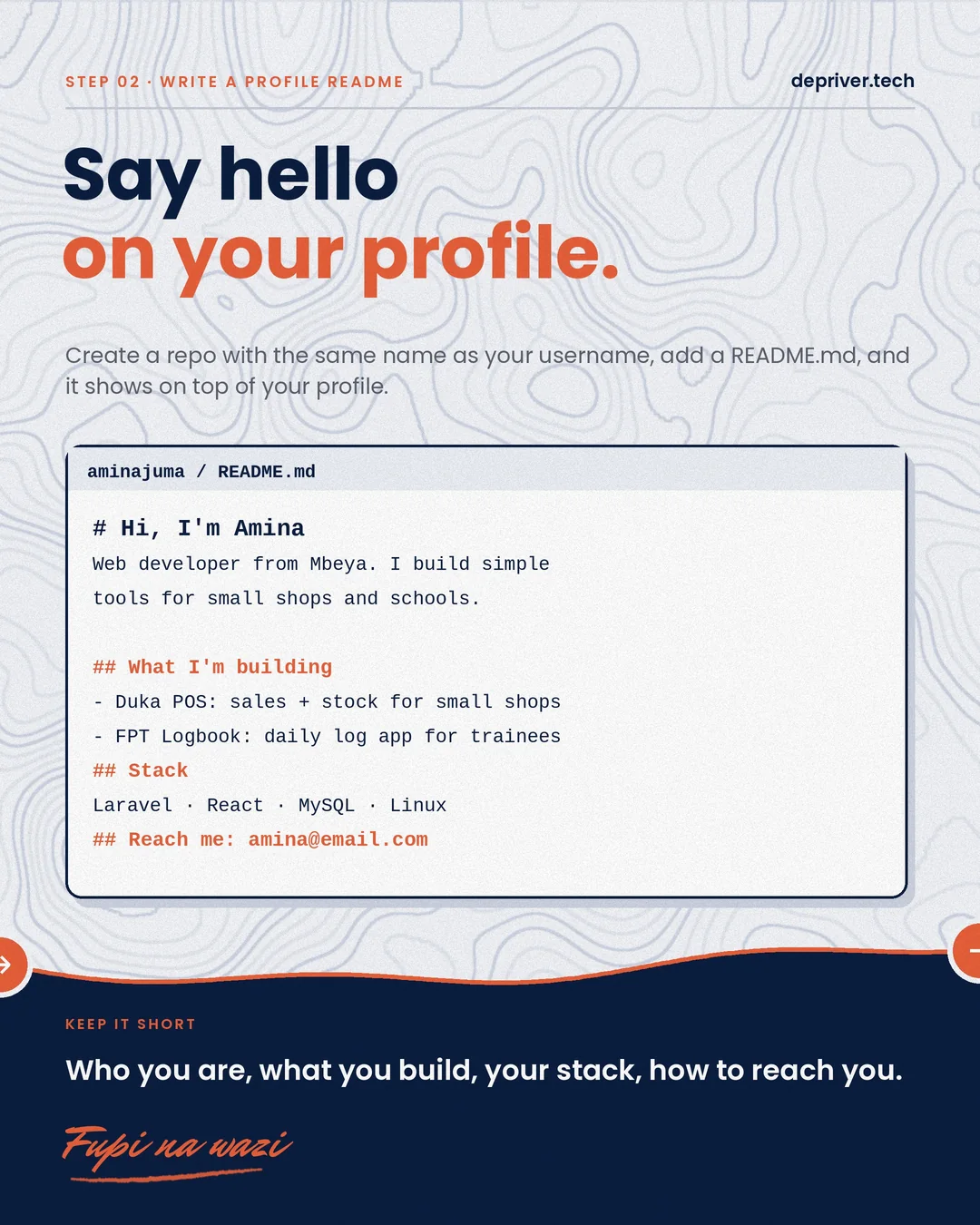
Step 2: Write a profile README
Create a repository with exactly the same name as your username and add a README.md. GitHub shows it at the top of your profile. Keep it short: who you are, what you’re building, your stack and how to reach you.
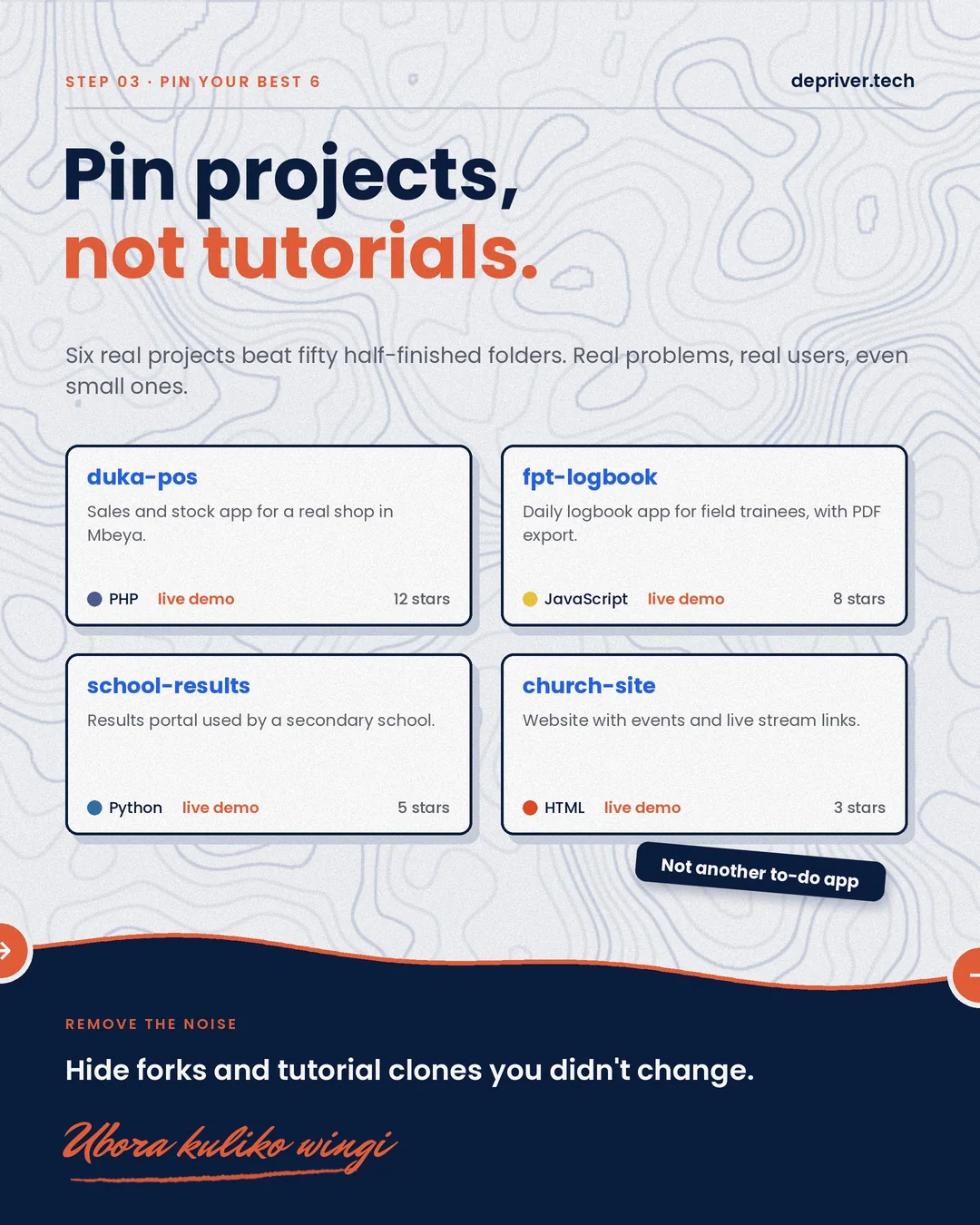
Step 3: Pin your best six projects
Six real projects beat fifty half-finished folders. Pin things that solve real problems for real people, even small ones: a POS for a shop, a logbook app, a school results portal. Hide forks and tutorial clones you never changed. And please, not another to-do app. Ubora kuliko wingi.
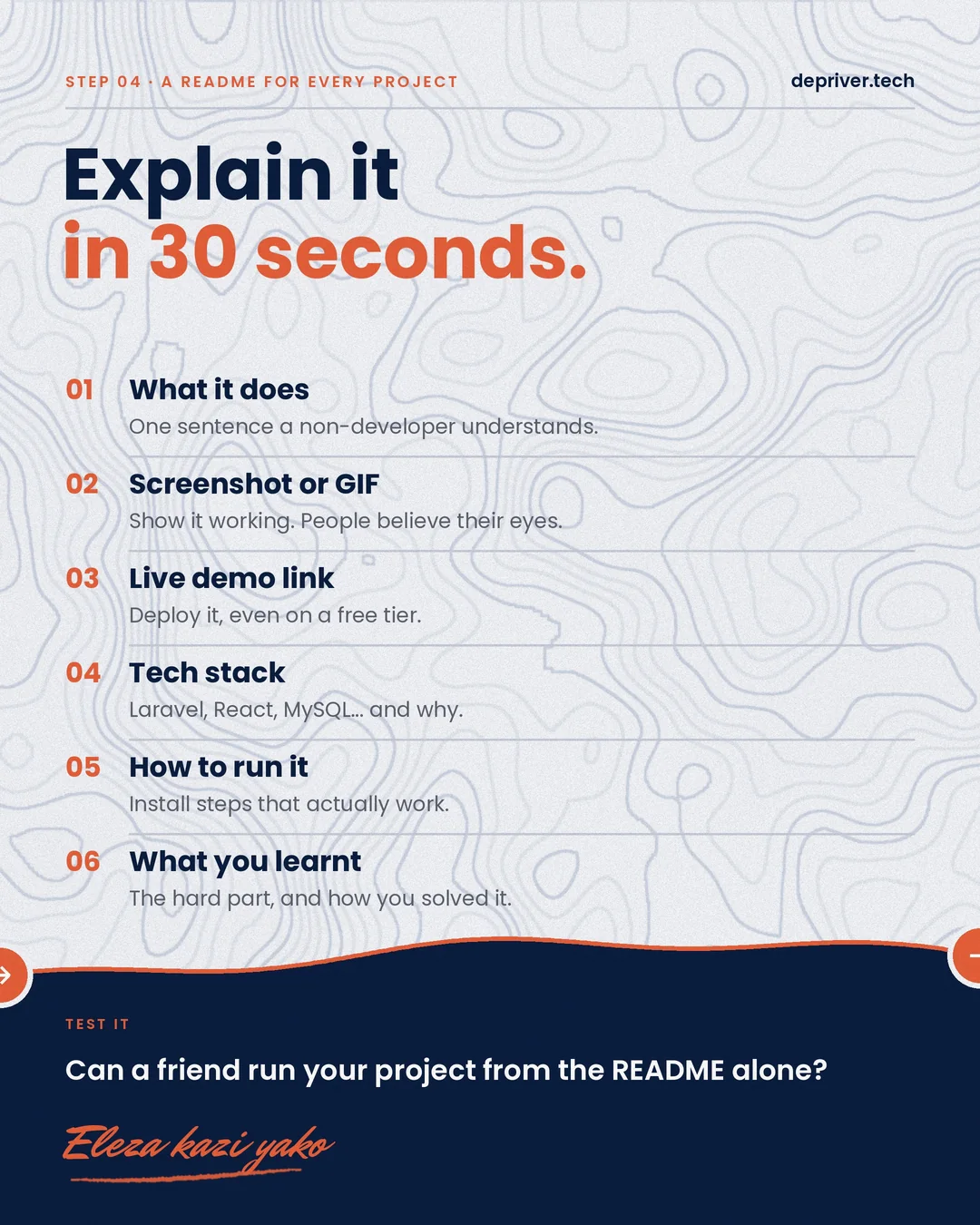
Step 4: A README for every project
Every pinned project needs a README that explains it in 30 seconds:
- What it does, in one sentence a non-developer understands
- A screenshot or GIF showing it working
- A live demo link: deploy it, even on a free tier
- The tech stack, and why you chose it
- How to run it, with install steps that actually work
- What you learnt: the hard part, and how you solved it
Test it: can a friend run your project from the README alone?
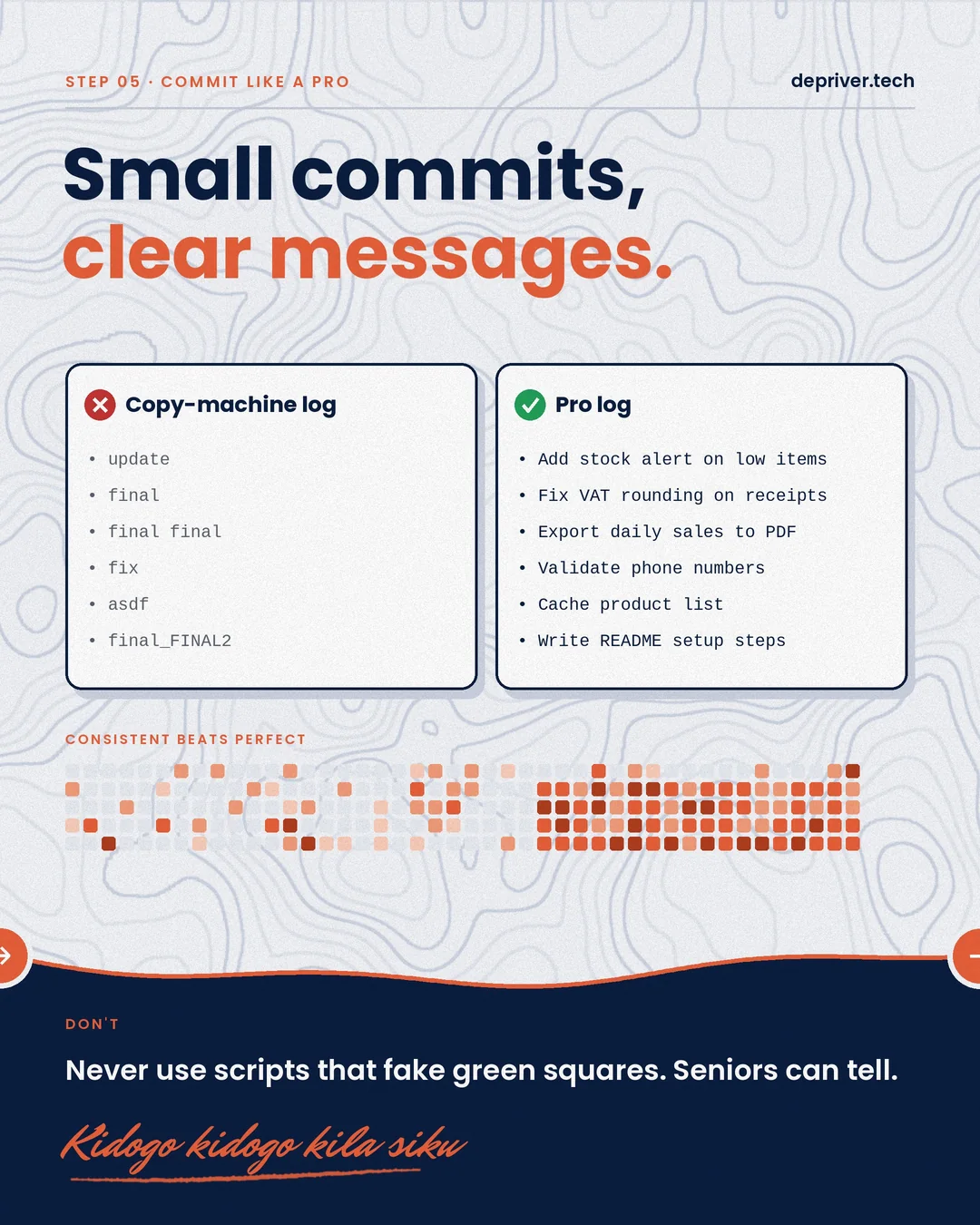
Step 5: Commit like a pro
update, final, final final and asdf tell nobody anything. Write small commits with clear messages: Add stock alert on low items, Fix VAT rounding on receipts. Consistent beats perfect. And never use scripts that fake green squares. Seniors can tell. Kidogo kidogo kila siku.
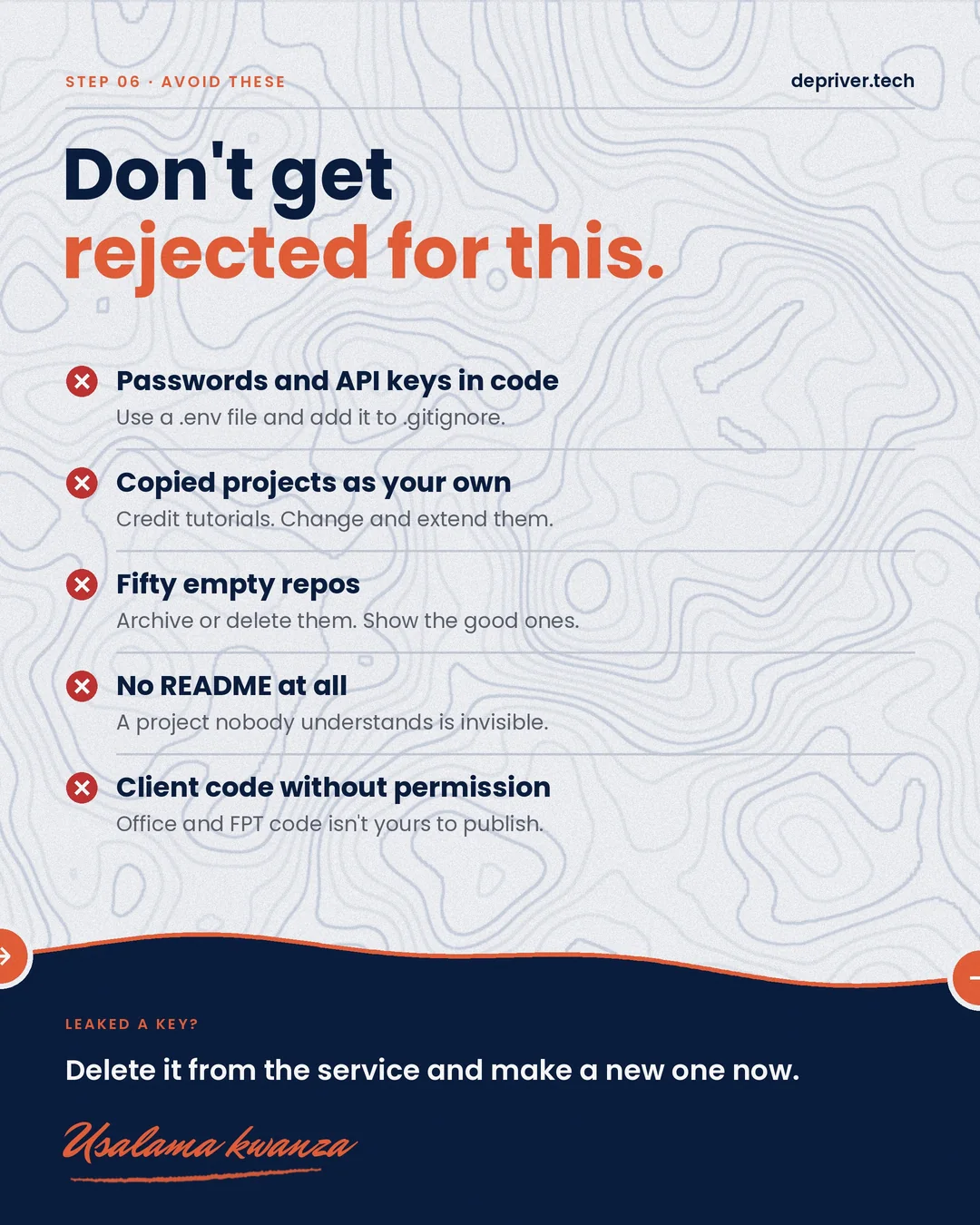
Step 6: Avoid what gets you rejected
- Passwords and API keys in code. Use a
.env file and add it to .gitignore. If you’ve leaked a key, revoke it on the service and make a new one right away. Deleting the commit isn’t enough.
- Copied projects presented as your own. Credit tutorials, then change and extend them.
- Fifty empty repos. Archive or delete them.
- No README at all. A project nobody understands is invisible.
- Client or office code without permission. Code from work or FPT isn’t yours to publish.
Drop your GitHub link in the comments, and I’ll check some of them. Niambie kwenye comments.
 9 slides
 8 slides
 8 slides